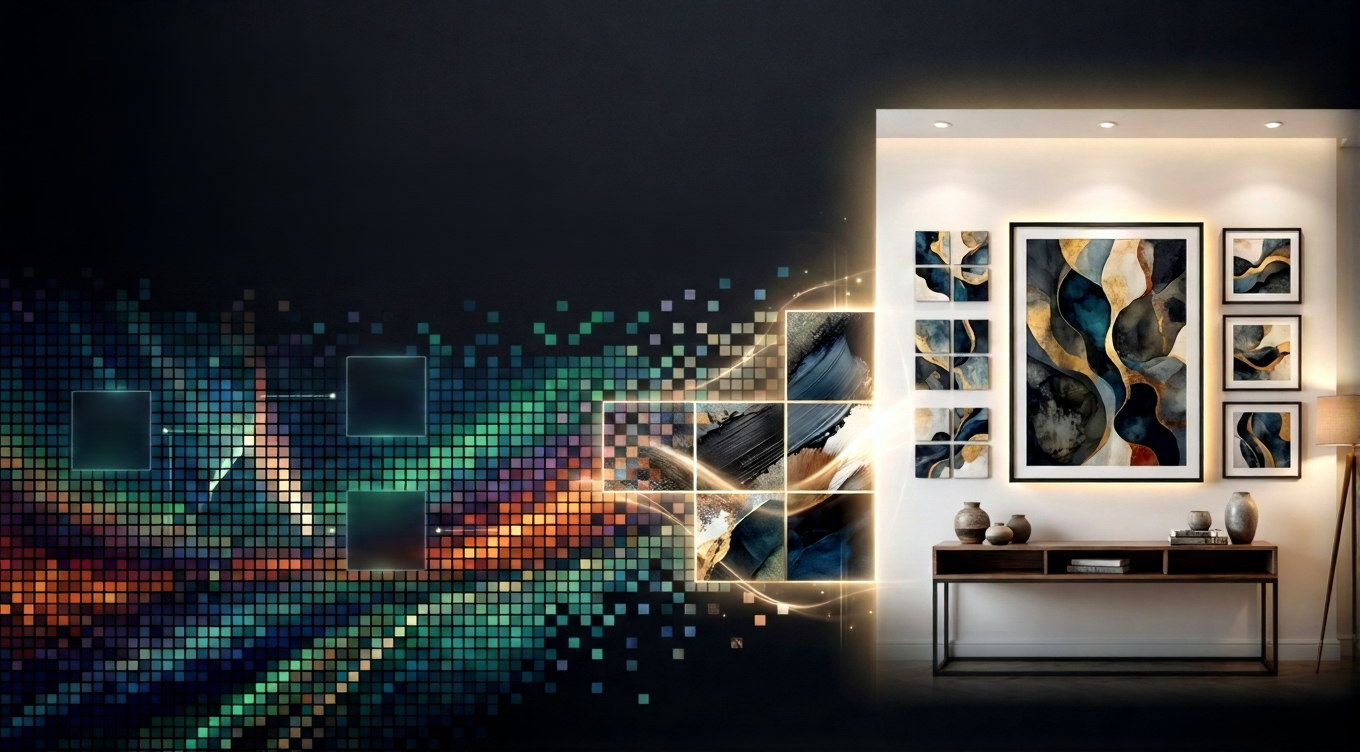
From Pixels to Prints: Wall Art That Transforms Spaces
DAPHUB Team • December 1, 2025
You have a beautiful photograph — a sunset in Goa, your daughter's first birthday, a perfectly composed travel shot — and you want it on your wall. But when you order a large print, it comes out blurry and disappointing. What went wrong? The answer almost always comes down to pixels, PPI, and DPI. This guide explains exactly what these terms mean, why they matter, and how to ensure every photo you print looks stunning — whether as a small photo tile or a large canvas statement piece.
A pixel — short for "picture element" — is the smallest individual unit of a digital image. Every photograph you take with a smartphone or camera is made up of millions of these tiny coloured squares arranged in a grid. The total number of pixels in an image is its resolution — measured in megapixels (MP). A 12 MP photo has approximately 12 million pixels arranged in a grid roughly 4000 × 3000 pixels wide and tall.
For digital screens — phones, laptops, social media — pixel count matters relatively little because screens display images at 72–96 PPI (pixels per inch), meaning even a modest-resolution image looks fine at screen size. But printing is a fundamentally different process. A print that looks sharp on screen can look very different when reproduced at A3 or A2 size on paper.
PPI refers to the pixel density of your digital image — how many pixels are packed into each inch of the image file. This is a property of the image itself. When you set an image to 300 PPI, you are telling the printing system that each inch of the print should be rendered using 300 pixels of image data.
300 PPI is the gold standard for photographic printing. At 300 PPI, prints look sharp, colour gradients are smooth, and fine details (hair, fabric texture, facial features) reproduce accurately. Anything below 200 PPI at print size will start to look noticeably soft when viewed from normal reading distance.
DPI refers to the physical output of the printer — how many ink dots it lays down per inch of the print. Professional photo printers used by DAPHUB operate at 1440 DPI or higher, creating extraordinarily fine colour gradations that reproduce subtle tones and shadows faithfully. Higher DPI printers can more accurately reproduce the colour information in a high-PPI image file.
The key relationship to understand: DPI is the printer's capability; PPI is your image's data. A high-DPI printer cannot manufacture detail that was never in your original photo. But a high-DPI printer paired with a properly prepared high-PPI image produces stunning results.
Use this simple formula to determine the maximum sharp print size for any image:
Maximum Print Width = Image Width in Pixels ÷ 300
Example: A 4000 × 3000 px image → 4000 ÷ 300 = 13.3 inches wide maximum for a sharp 300 PPI print (approximately A3 width).
For larger prints (A2, A1, or canvas), you can relax to 200 PPI — the viewing distance increases with print size, meaning the eye tolerates slightly lower pixel density without perceiving softness. At 200 PPI minimum, a 4000 × 3000 px image can print at up to 20 inches wide (approximately A2).
| Print Size | Min. Resolution (300 PPI) | Min. Megapixels |
|---|---|---|
| 10 × 10 cm (4×4 in) | 1200 × 1200 px | ~1.4 MP |
| A4 (21 × 29.7 cm) | 2480 × 3508 px | ~8.7 MP |
| A3 (29.7 × 42 cm) | 3508 × 4961 px | ~17.4 MP |
| A2 (42 × 59.4 cm) | 4961 × 7016 px | ~34.8 MP |
| Large canvas (60 × 90 cm) | 7087 × 10630 px | ~75 MP |
Note: For large canvases, viewing distance is typically greater, so 150–200 PPI is often acceptable. Most modern smartphones (12–50 MP) are perfectly suited for A4 and A3 prints, and adequate for A2 with careful cropping.
DAPHUB's design tool includes a built-in resolution checker. When you upload a photo and choose a print size, the tool automatically calculates the effective PPI at your chosen dimensions and warns you if the image may not print sharply. This prevents the most common disappointment in online printing — receiving a blurry print because the source photo was too small.
All DAPHUB prints are produced on professional-grade wide-format inkjet printers using archival pigment inks. Prints are colour-calibrated to a wide colour gamut, ensuring that the vibrant tones and subtle shadows in your original photo are faithfully reproduced in the physical print.
Ready to turn your best photos into wall art? Upload your photo and see a live preview before you order — DAPHUB's tool will tell you immediately if your image is print-ready.
About DAPHUB
DAPHUB is India's custom photo frames and wall art studio. We help you transform your favourite memories into premium, print-ready wall art — delivered anywhere in India.
Learn MoreRelated Posts
Everything You Should Know About DAPHUB in 2026
A complete guide to DAPHUB's products, design tools, and ordering process.
Large Canvas Art Prints in India: Buyer's Guide 2025
Sizes, finishes, installation tips, and where to order large prints across India.
How to Design Custom Wall Art Online in India
Step-by-step guide to using DAPHUB's design tool to create and order wall art.
Upload your photos, preview in 2D, and order print-ready wall art — delivered across India.




© 2026 DAPHUB SAAS Solutions Pvt. Ltd. All Rights Reserved
Social Media